AI Background Remover · Transparent PNG Online
Upload an image to smartly detect the subject and remove the background, preserving fine hair and edge detail. Export a clean transparent PNG or pure-white cutout, ready for listings and poster design.
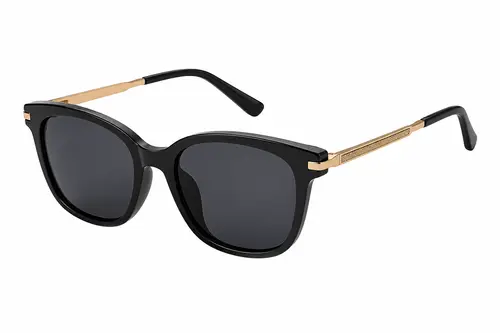
Why choose AI Background Remover / Transparent PNG
AI auto-detects subject edges and cleanly cuts out hair, fur and semi-transparent objects with no fringing.
Export a transparent PNG or the pure-white background common in e-commerce, with subject undistorted and true to color.
No pro software to learn. Upload and process, anyone can get clean cutouts.
How to use AI Background Remover / Transparent PNG
Four steps
Choose the image to process. JPG, PNG and WebP supported.
The matching instruction is pre-filled in the workspace; fine-tune if needed.
Click generate and the AI processes it.
Once you're happy with the preview, download the HD result, ready for commercial use.
FAQ
Is the AI cutout free?
You get free creation credits on sign-up to try the cutout right away; once they run out you can buy a credit pack or a membership to continue.
Can it keep hair detail?
Yes. The AI auto-detects subject edges and finely handles hair, fur and semi-transparent areas to preserve real detail.
What format is the export?
It supports transparent-background PNG, and can also produce a pure-white background for product photos, design assets and more.
Is batch cutout supported?
Processing is mainly single-image upload, which is quick one by one; for batch needs you can repeat the operation in the workspace.
More AI Image Tools
Try AI Background Remover / Transparent PNG now
Sign up for free credits. Upload an image, process it, done.