AI Image Expander · Extend Canvas & Aspect Ratio
Upload an image and the AI extends it outward naturally and fills in edge content while keeping the original subject and style consistent, easily changing composition and aspect ratio with no seams.
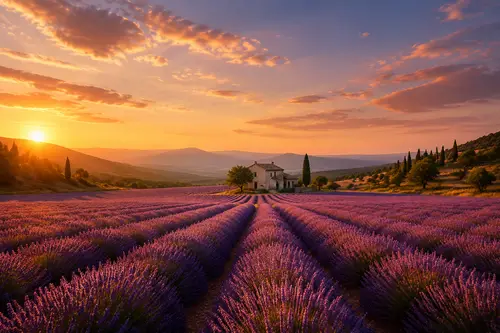
Why choose Smart Expand (Outpaint)
Expand the canvas up, down, left or right to fill in cropped or missing edge content.
Turn vertical into horizontal, square into widescreen. Quickly fit posters, covers and social sizes.
Extended areas match the original style and lighting, with no visible seams.
How to use Smart Expand (Outpaint)
Four steps
Choose the image to process. JPG, PNG and WebP supported.
The matching instruction is pre-filled in the workspace; fine-tune if needed.
Click generate and the AI processes it.
Once you're happy with the preview, download the HD result, ready for commercial use.
FAQ
Will expanding change existing content?
No. The original subject stays unchanged; the AI only adds new content around the edges that harmonizes with the image.
Can it turn vertical into horizontal?
Yes. Expanding can adjust the aspect ratio, turning a vertical image into a horizontal one or vice versa for different platforms.
Does the expanded part look natural?
The AI references the original style and lighting to generate the extension, aiming for a natural, seamless result.
Is it good for covers and posters?
Very. Quickly expand an image to the aspect ratio you need, leaving room for layout.
More AI Image Tools
Try Smart Expand (Outpaint) now
Sign up for free credits. Upload an image, process it, done.