6 editing tools,
ready on upload
For e-commerce, portraits, and content creation. Click a tool to fill the editing prompt, upload an image, done.
Before & after
Left: original · Right: AI processed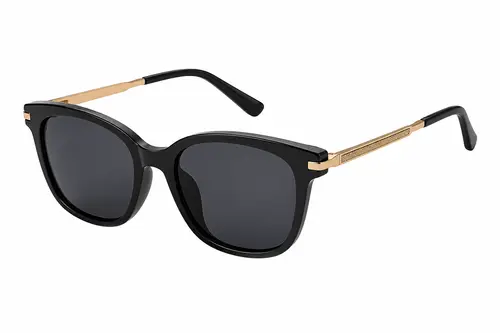

 E-commerce
AI Background Remover / Transparent PNG
Smartly detect the subject and remove the background, exporting a clean transparent or pure-white cutout — ready to list on marketplaces.
Use nowRestoreOld Photo Restoration
Remove scratches, stains and fading, restore natural skin tones and crisp detail — give old photos new life.
Use nowEnhance4K HD Upscale
Enlarge and sharpen low-resolution, blurry images to 4K with naturally crisp, undistorted detail.
Use now E-commerce
Background Replace
Keep the subject fixed and swap in any scene background in one click, with naturally blended light and shadow.
Use now Composition
Smart Expand (Outpaint)
Naturally extend the canvas outward and fill in the edges, easily changing composition and aspect ratio.
Use now Portrait
Background Blur
Simulate a DSLR wide-aperture depth of field, softening the background to make the subject pop.
Use nowHow it works
Four steps to a finished edit
Pick the image to edit. JPG, PNG and WebP supported.
Click a tool to auto-fill the matching editing prompt.
Fine-tune the prompt, hit generate, and let AI do the edit.
Preview, then download the HD result for commercial use.
Ready to start editing?
Sign up free to try every editing tool and produce finished images fast.