AI Image Upscaler · Boost to 4K
Upload a low-resolution or blurry image and the AI enlarges and sharpens it to 4K ultra-HD, removing noise and blur and filling in detail while keeping the original content and color, natural and undistorted.
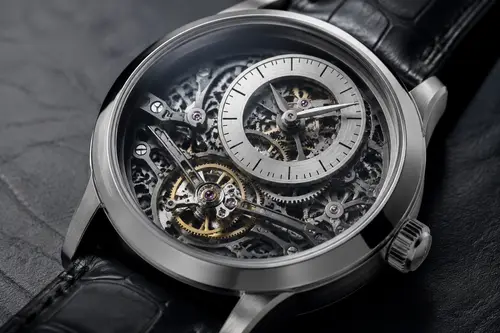
Why choose 4K HD Upscale
Enlarge small, low-res images several times over with sharp detail and clean edges, suitable for print and large displays.
Smartly remove noise and blur to restore crisp texture. Old images and screenshots become clear.
Upscaling keeps the original composition, content and color consistent, with no obvious artifacts.
How to use 4K HD Upscale
Four steps
Choose the image to process. JPG, PNG and WebP supported.
The matching instruction is pre-filled in the workspace; fine-tune if needed.
Click generate and the AI processes it.
Once you're happy with the preview, download the HD result, ready for commercial use.
FAQ
How much can it enlarge?
It supports enlarging low-resolution images several times to 4K-level clarity; the exact limit depends on the original quality.
Will it distort after upscaling?
The AI keeps the original content, composition and color as much as possible, adding detail naturally and avoiding obvious artifacts.
Can blurry screenshots be clarified?
It can improve common blur and noise, but enhancement is limited when the original carries too little information.
Is it suitable for print?
Enhanced to 4K it is better suited for print and large displays; choose your export based on the exact size you need.
More AI Image Tools
Try 4K HD Upscale now
Sign up for free credits. Upload an image, process it, done.